

Drop a menu in.
Pour it into SELLERS.
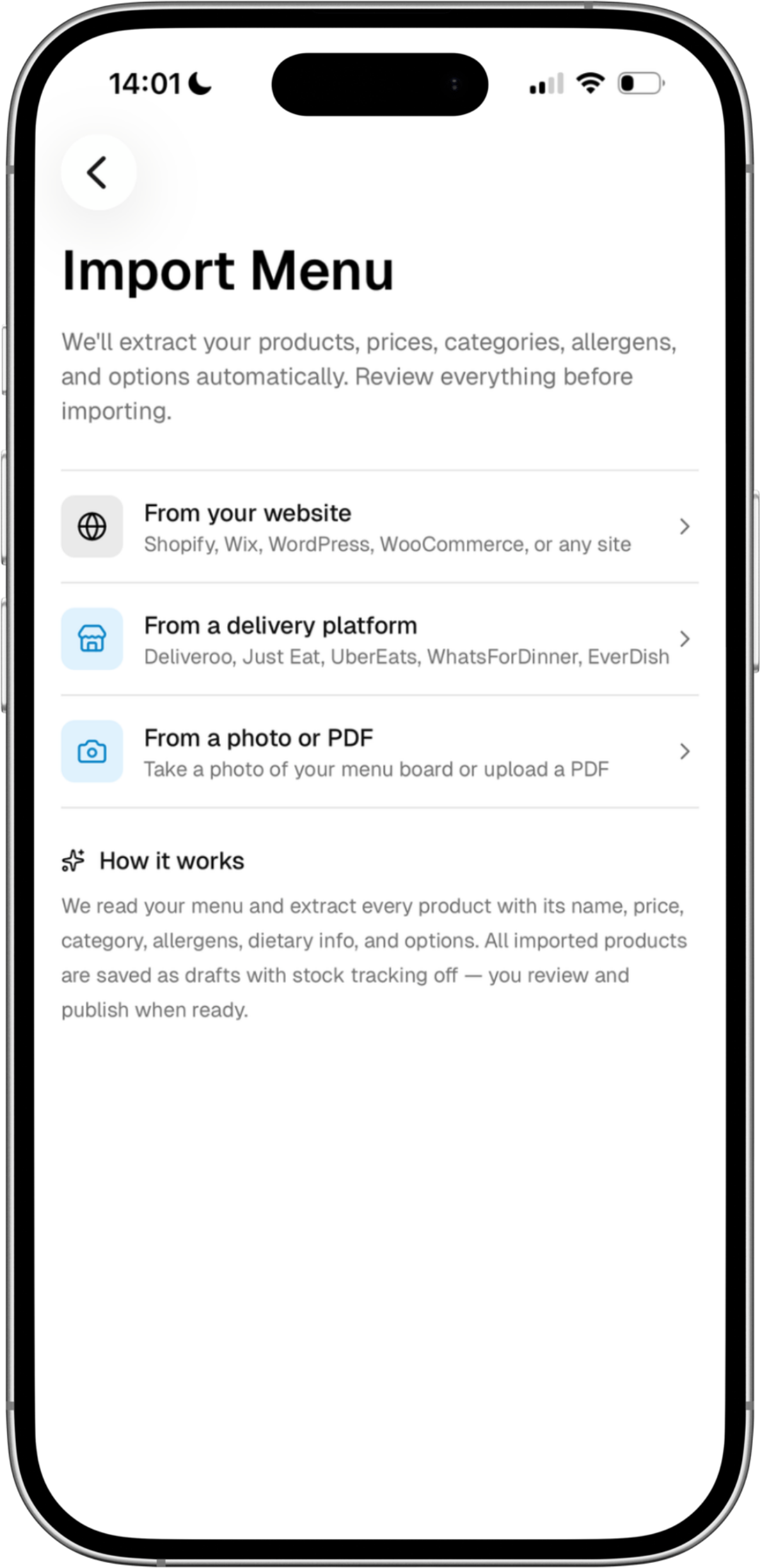
Photograph the laminated card. Paste the URL from an aggregator listing. Hand over an old PDF. The digitizer reads it, splits the sections, picks up modifiers and allergens, and hands back a menu ready to publish.
- Photos · URLs · PDFs
- Sections · prices · modifiers · allergens
- Publishable in one tap
Harbour Street
est. 2014
MAINS
- Smash burger12.50
- Chicken katsu13.00
- Wings: Korean BBQ9.50
SIDES
- Loaded fries7.00
- Slaw3.50
Smash burger
€12.50cheese · bacon · jalapeño
Wings: Korean BBQ
€9.506 · 12 · 18 piece
Loaded fries
€7.00add chilli · €1.50
What goes in
Whatever menu
you already have.
You do not start from a blank screen. Hand the digitizer the menu you have today (paper, public listing, or PDF) and it builds the first draft for you.
Photo
A snap of the laminated card.
Take it on the phone, slightly crooked, under kitchen lights. The digitizer rotates, dewarps and reads.
Aggregator URL
Your existing Just Eat listing.
Paste the URL of the page customers already order from. Items, sections, prices and modifiers come across.
Aggregator URL
Your existing Deliveroo listing.
Same flow. The digitizer reads the public listing the way a customer would, structures it on the way in.
The menu your designer sent.
Drop the printable PDF in. Section headers, price columns and modifier groups get parsed, not just OCRed.
What it pulls out
Six fields per dish.
Not just names and prices.
The digitizer doesn't dump text into a table. It maps every line back to the structure SELLERS expects, so the editor opens on a menu that already knows what an allergen is.
- SectionMains
- Item nameSmash burger
- Base price€12.50
- Modifierscheese · bacon · jalapeño
- Allergensgluten · milk
- Dietary flagshalal option
Smash burger
After the import
Lands in the editor.
Yours from the first tap.
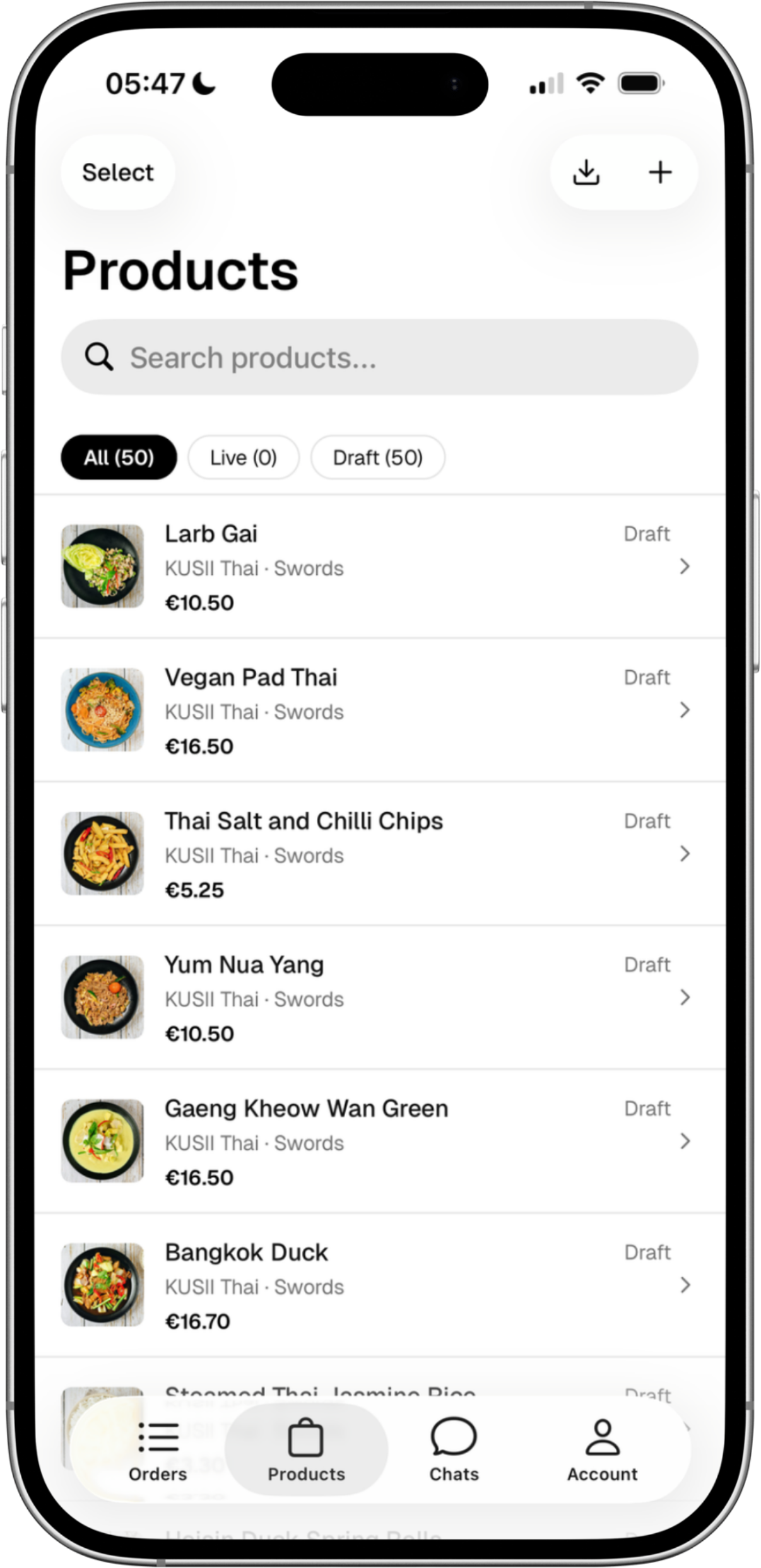
The digitizer is the on-ramp. Once it's done, every dish is regular product data in SELLERS: same controls, same publish flow, same audit log.
- 01
Imported as a draft.
Every parsed item arrives in a review queue. Confidence-flagged so the easy ones whoosh through and the ambiguous ones surface.
- 02
Edited in place.
Same editor as menu management: rename a section, fix a typo, drag a dish to a different group, set a photo from the phone roll.
- 03
Published in one tap.
Storefront, QR table flow, in-store till, operator pass: all read the same source. No second migration, no re-syncing.
Menu digitizer → editor: SELLERS
Free to start · no card required
Skip the typing.
Drop the menu in.
Photograph it, paste it, upload it. By the time the kettle's on, the storefront's reading from a structured menu: sections, modifiers, allergens and all.